+1 (786) 209-1854



Editing a group
How to edit a group?
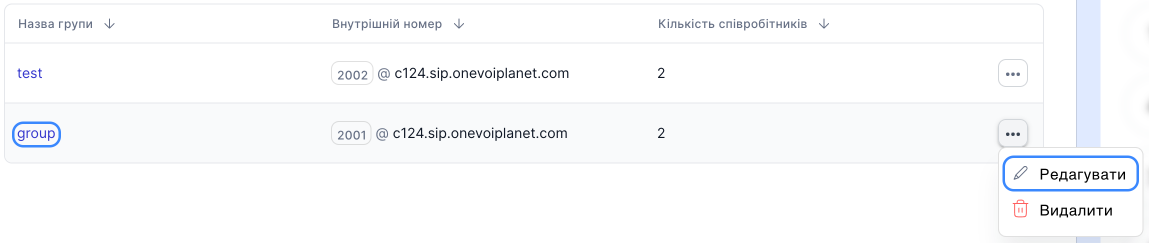
- Go to Groups.

- Click the group name or click the ... button and select Edit.
Call settings
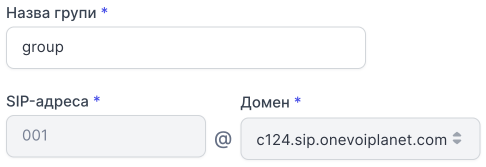
You can edit the group name.
The group's SIP address and domain cannot be changed.
Call distribution algorithm in a group
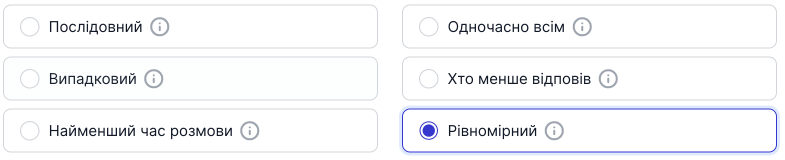
You can change the call distribution algorithm in the group.
Learn more about the algorithms →
While waiting for the operator to answer
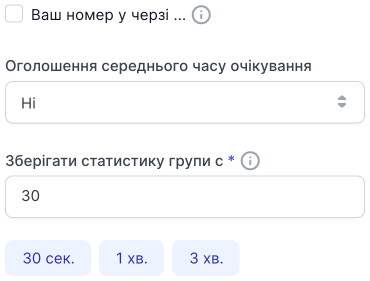
All items can be edited.
Hold settings
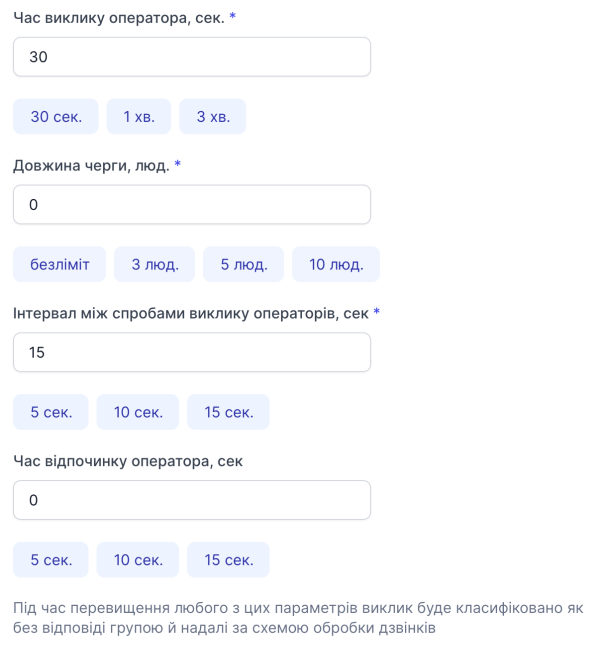
All items can be edited.
Melodies and sound notifications

All items can be edited.
Employees
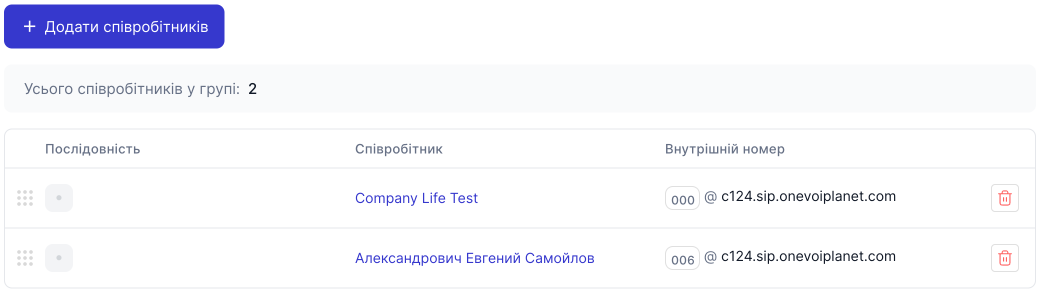
Editing the sequence is possible when the Sequential call distribution algorithm is selected.
To remove employees from the group, click the Remove button.

After making all changes, click Save settings.