+1 (786) 209-1854



Editing an employee
How to edit an employee?
- Click Employees.

- Click the employee's full name or click the ... button and select Edit.

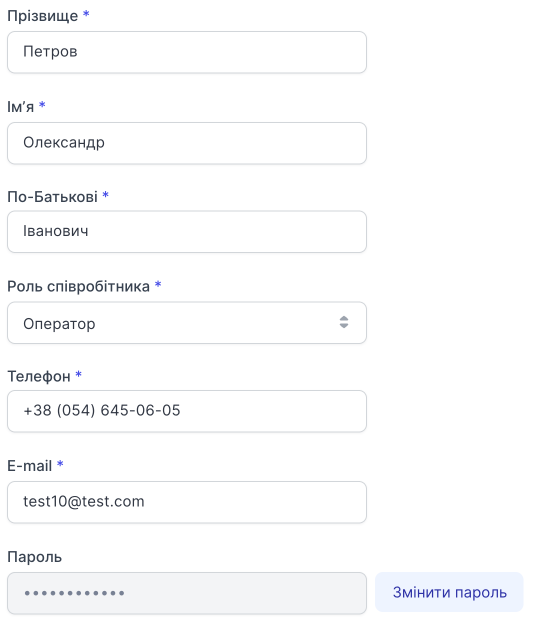
Personal data
You can edit all personal data of an employee with a role below Administrator.
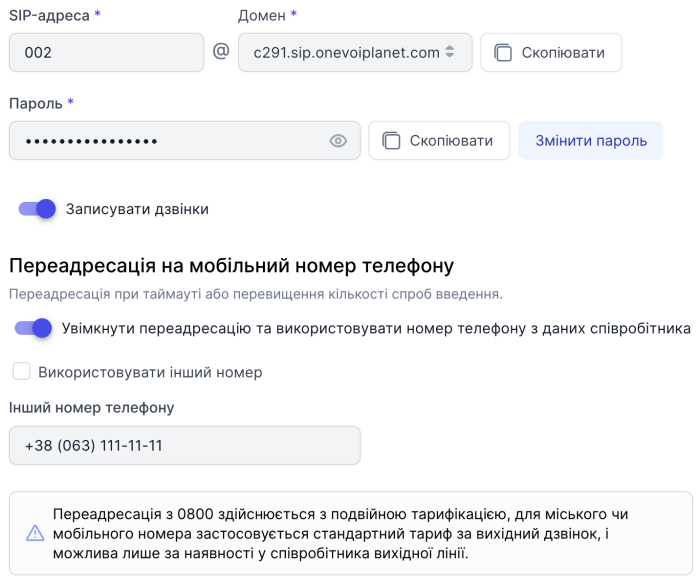
SIP account
The employee's SIP address and domain cannot be changed.
-
You can Copy the password and Change password.
-
You can enable or disable call recording for the selected employee.
-
You can enable or disable forwarding to a mobile phone number and change the forwarding number.
More about forwarding settings to a mobile number →
To save the data, click Save.