+1 (786) 209-1854



Deleting a group
Before deleting a group, make sure all attachments are disconnected from it, namely:
- from the inbound or outbound direction of a number.
- from an IVR (voice menu).
Disconnect it from all attachments and then you will be able to delete the group.
How to delete a group?
- Go to Groups.

-
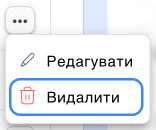
Click the ... button.
-
Click Delete.
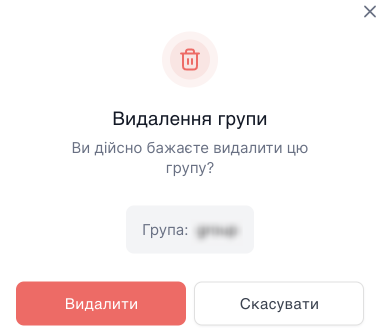
- In the modal window, confirm the action with the Delete button.