+1 (786) 209-1854



Add a voice file
Voice files are voice audio recordings that a customer hears when contacting you.
How do I add a voice file?
- Click Audio files.

- Go to Voice files.

- Click Add voice file.

- Come up with and enter a name for the voice file.

- Drag and drop the voice file or click the upload area.
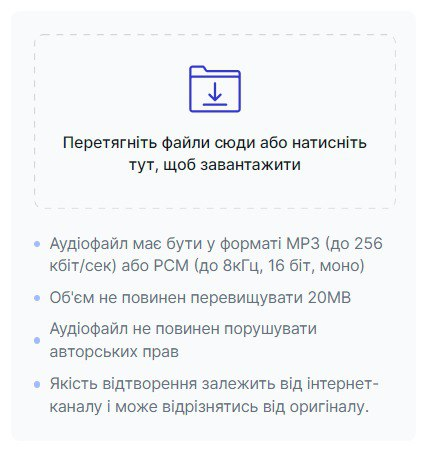
Please note! The voice file must be in mp3 or pcm format. The file size must not exceed 20 MB.
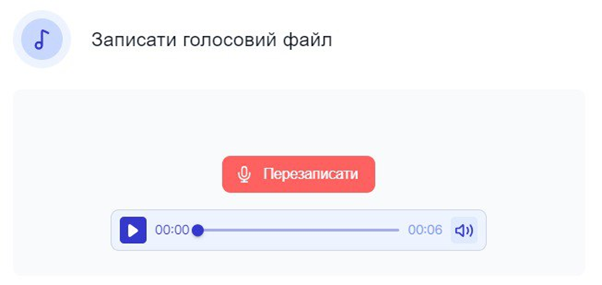
- You also have the option to record a voice file yourself. To do this, click Record voice file.

- To start recording, click the red button.

- To stop recording, click the button again.

- After recording, you have the option to listen to and re-record the voice file.
- Click Save.