 +1 (786) 209-1854



Creating the CallSite widget
How to create the CallSite widget?
- Click Widgets.

- Go to CallSite.

- Click Create Widget.

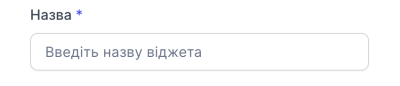
- Come up with and enter a name for the widget.
- Select the widget state. An On toggle means that the widget will be activated immediately after creation.

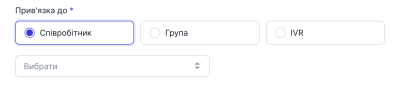
- Select the employee, group, or IVR to whom the call will be directed
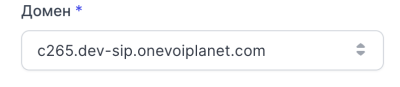
- Select the domain the widget will belong to. (Please note! It is not possible to change the domain after creating the widget)
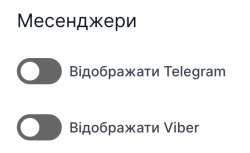
- Select the messengers you want to display
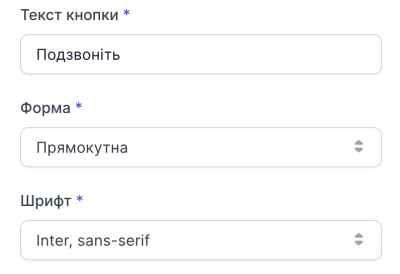
- Select the button text, shape, and font
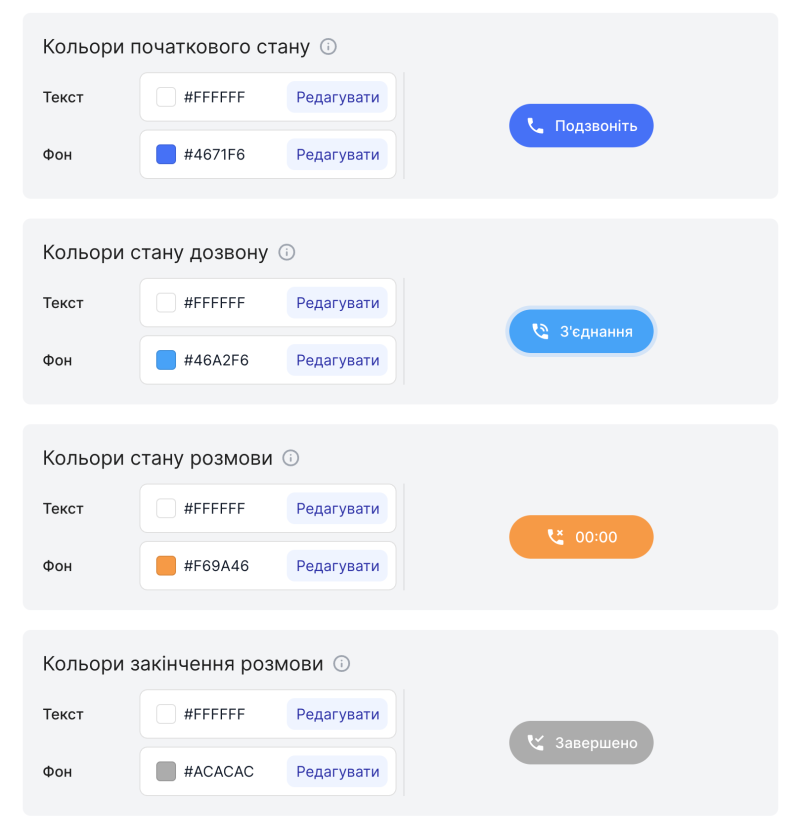
- Select the widget color
- Click Create.

Creating the CallSite widget is complete.