 +1 (786) 209-1854



Signing in to your personal account
- Go to the OneVOIPlanet web dashboard authorization page.
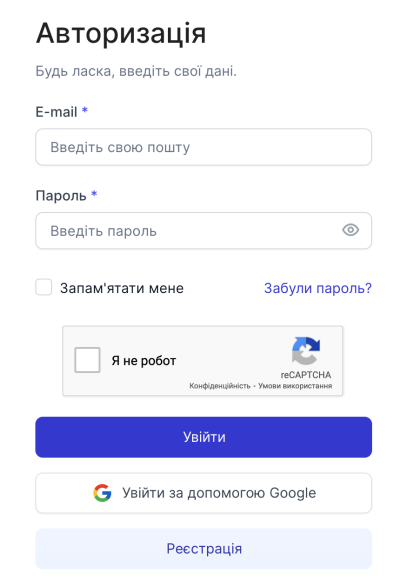
- Enter the Email and password specified during registration.
- Click "Log in".
You can also log in via Google.
Password Recovery (Web Dashboard)
- Go to the authorization page.
- Click "Forgot password?".
- Enter the Email specified during registration.
- Click "Reset password".
- Use the code from the received email.
- Enter the code in the "Verification code" field and click "Send".
- Enter a new password.
- Click "Change password".
The code is valid for 60 minutes and can be used to change the password only once.