 +1 (786) 209-1854



Password recovery
If you have forgotten your password, on the account dashboard sign-in page click "Forgot password?" The password recovery page will open.
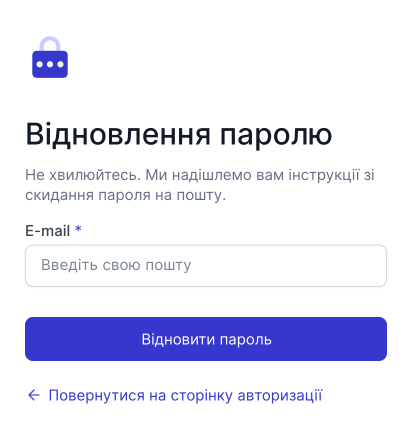
On this page, enter your email and then click "Recover password". Shortly, you will receive an email with the option to set a new password.
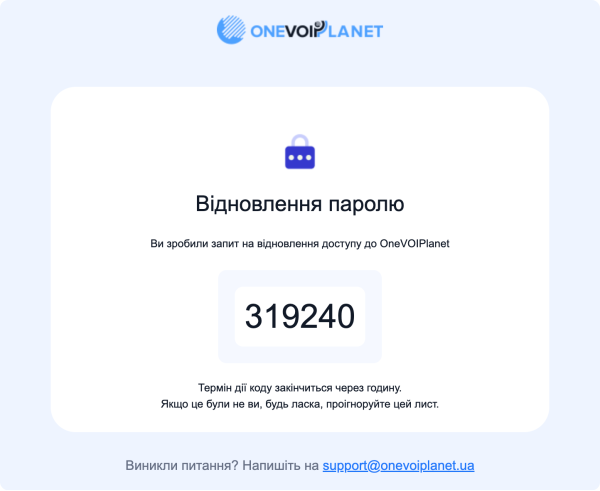
The code will be valid for 60 minutes. The password can be changed using this code only once.
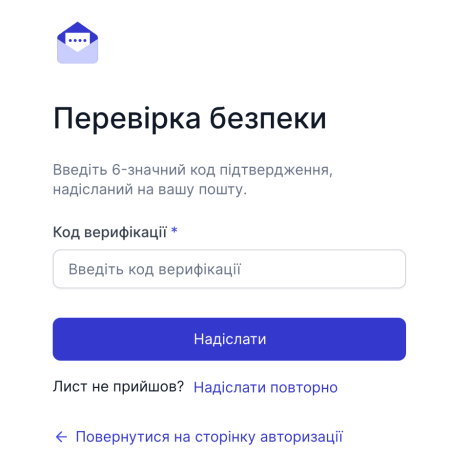
Enter the code you received in the Verification code field and click Send
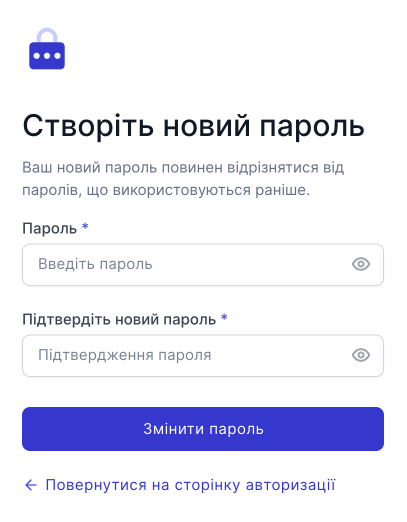
Enter a new password that meets the security requirements. After entering the details, click "Change password".