+1 (786) 209-1854



Bank card
To top up your company account with a bank card:
- In the lower left corner, click your profile and then the Top up button.

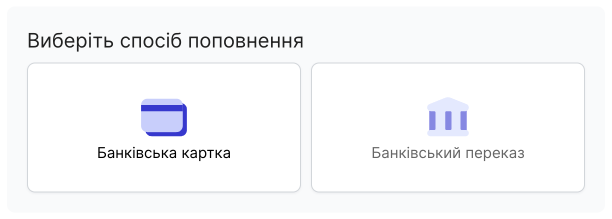
- Select a payment method
- Bank card
- Bank transfer (In development)
- Specify the amount you want to top up your account with.
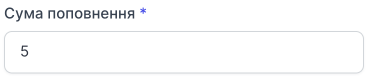
To help you decide how much to top up, you can view your expenses for the last 7 days and expenses for the last 30 days.

- Click Top up.