 +1 (786) 209-1854
Editing a contact
How do I edit a contact?
- Go to Contacts

- In the table, select the desired contact and click ...

- Select the Edit option

- In the modal window, edit the required data
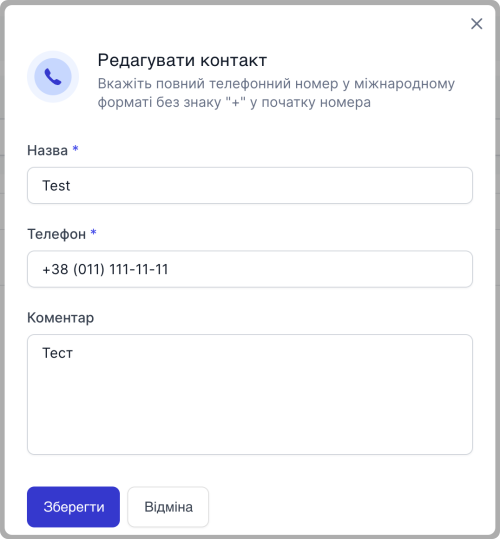
- Click Save

The contact has been successfully edited
Personal account




The contact has been successfully edited